
Best sellers
Most Purchased Ships
Choose one of the most requested C.A.M.P. blueprints from The Merchant’s Fallout 76 builds.
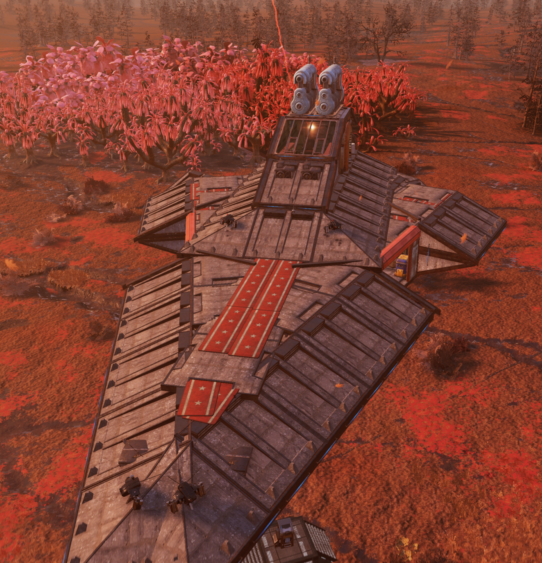
Flagship build
Venator-Class Star Destroyer
$22.00
A massive Venator-Class Star Destroyer C.A.M.P. built as a trade and operations hub with strong visual presence.
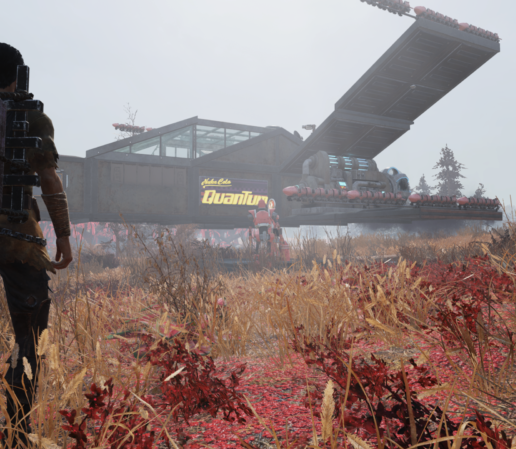
Compact fighter base
X-Wing Blueprint
$4.99
A compact X-Wing landing pad with maintenance gantry and refuel zone, ideal as a stylish main base or alt dock.
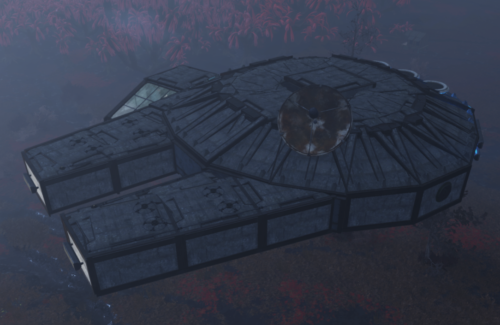
Smuggler freighter base
Millennium Falcon Blueprint
$20
A Millennium Falcon inspired C.A.M.P. built for players who want a legendary ship base with strong cinematic presence in the wasteland.
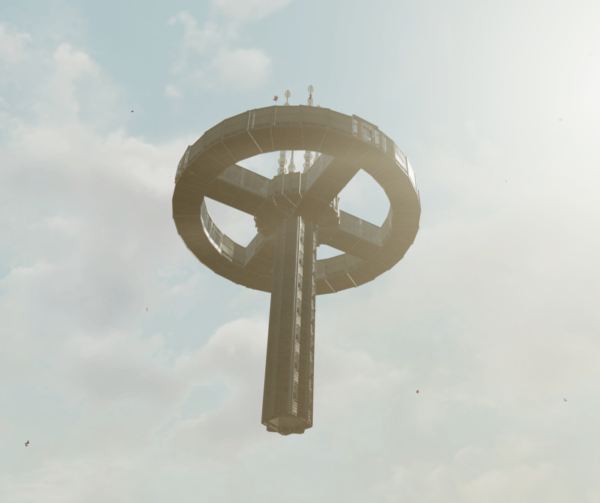
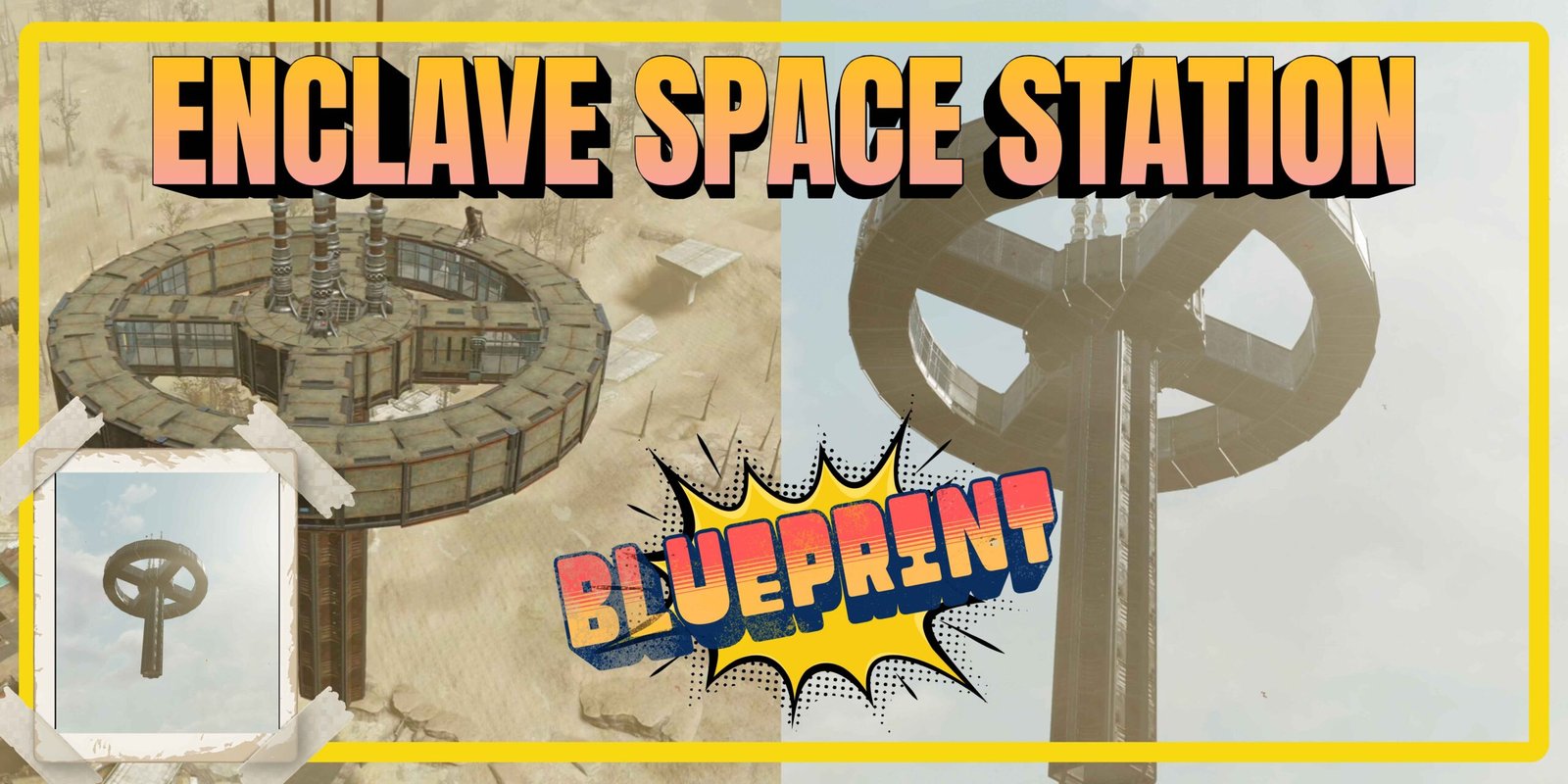
Enclave sky base
Enclave Space Station
$80
A massive Enclave inspired space station C.A.M.P. built high above the wasteland for players who want a powerful sky command center.
Coming soon
Upcoming Blueprints
More iconic builds are coming to the wasteland. These blueprints are currently in the workshop.
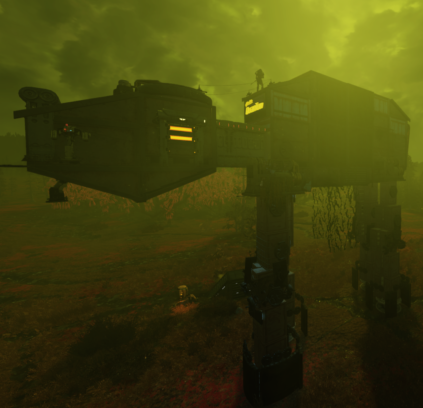
Upcoming blueprint
AT-AT
Coming soon
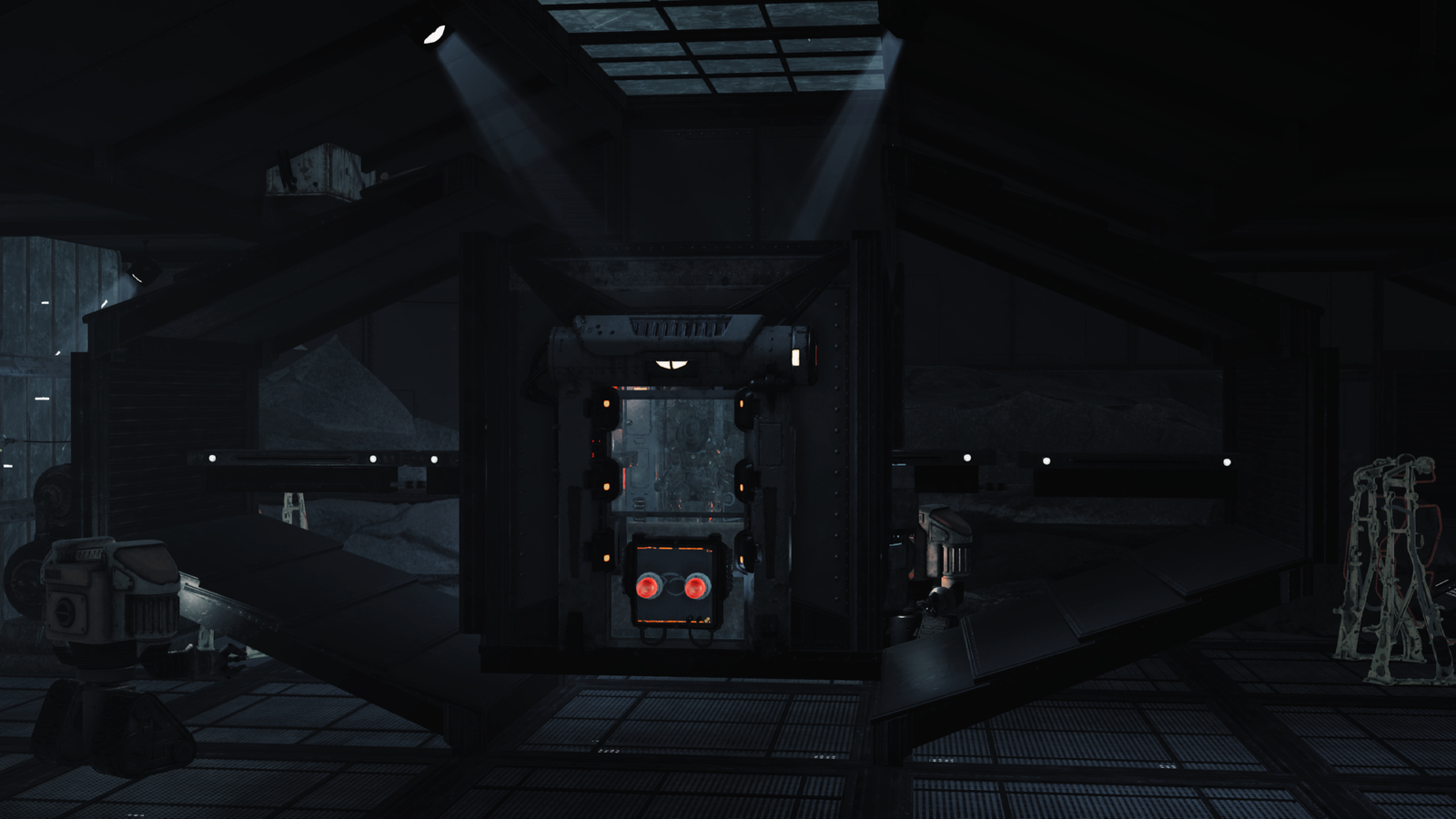
Upcoming blueprint
TIE Fighter
Coming soon
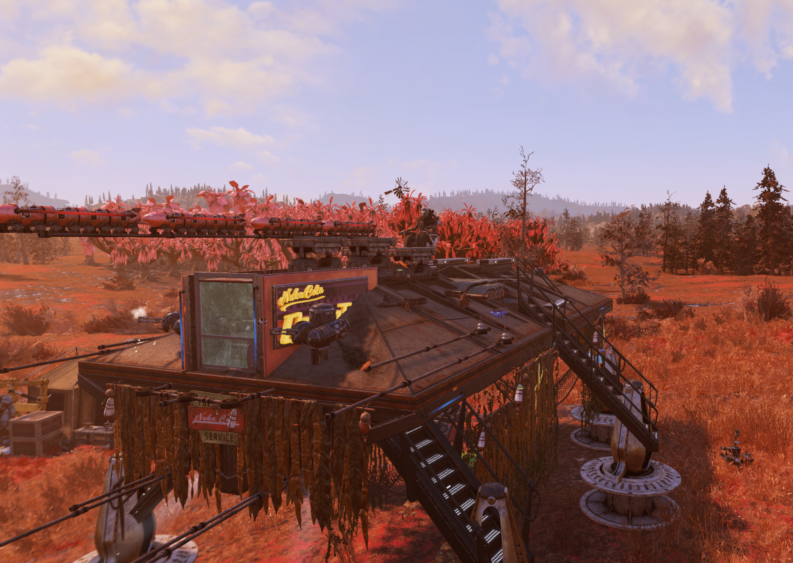
Upcoming blueprint
AT-TE
Coming soon
Before you buy
Blueprint Delivery FAQ
Here is everything you need to know before scheduling your Fallout 76 C.A.M.P. blueprint delivery.
Are these blueprints available on every platform?
For now, blueprint deliveries are only available on Xbox. Please make sure you are playing Fallout 76 on Xbox before purchasing.
How long does the blueprint delivery take?
Once your delivery is scheduled, placing the blueprint usually takes around 5 to 15 minutes, depending on your C.A.M.P. location, terrain and connection stability.
How long does the Enclave Space Station take?
The Enclave Space Station is a larger build and usually takes around 30 minutes to 1 hour to place in your C.A.M.P.
How do I receive the blueprint?
After your purchase, you will need to add my account and then join my Fallout 76 world. Once we are both in the same session, we can begin the delivery process.
Do we need to be on a private team?
Yes. Once you enter my world, we need to be in a private team so I can place the blueprint inside your C.A.M.P. This is required for the delivery to work properly.
Can I get a refund?
There are no refunds after purchase. However, if you accidentally delete your C.A.M.P., I can place the blueprint again for you one more time at no extra cost.
Can I save the blueprint myself?
Yes. After the blueprint is placed, you can save it so you can move and place the C.A.M.P. wherever you want later, as long as the terrain allows it.
Will it look exactly like your videos?
When I place the blueprint, it has to use basic pieces such as standard roofs and basic walls that most players already have. After it is placed, I recommend replacing those roofs, walls and window sections with the pieces you prefer.
How do I recreate the exact version from your TikTok videos?
If you want the build to look identical to my videos, visit my TikTok account @themerchant4819 to see the original pieces used. Window areas must also be changed manually after delivery, because the blueprint can only be placed with basic walls first.